How-to
Cleaning business software and what to buy first
A plain map of the cleaning business software a commercial company needs, what each type does, what to buy first by size, and how to avoid overlap.
November 12, 2026 · 4 min read
Cleaning business software comes in five kinds: quoting and client records, scheduling and time tracking, payroll and invoicing, inspections and quality control, and supplies and equipment. Most commercial cleaning companies end up using some of each, and most should not buy all five at once.
This is a map of what each kind does and when it earns its cost. It names no outside products, because the right choice depends on your size and your accounting setup.
What kinds of software does a commercial cleaning company need?
Quoting and client records (CRM)
This holds leads, contacts, bids, proposals and contract renewals. It answers "who did we quote, for what, and when do I follow up?" At the start, a spreadsheet and a shared calendar do the same job. Buy it when you are bidding on enough sites that follow-ups slip. It pairs with your proposal templates and your approach to getting clients.
Scheduling and time tracking
This puts cleaners on shifts, records when they arrive and leave, and handles swaps and absences. It answers "who is at which building tonight?" Buy it when you cannot hold the schedule in your head or when clients ask for proof of attendance. It tends to be the first tool a growing crew needs.
Payroll and invoicing
Payroll pays people correctly with the right deductions. Invoicing bills clients on the contract schedule. Most small companies already use an accounting package or a payroll service for these. Check that whatever you choose can take hours from your scheduling tool before you buy either, or you will retype hours every pay period.
Inspections and quality control
This covers supervisor inspections, scores, reports for clients and follow-up on what failed. It answers "was the work good, and what did we do about it?" It is the kind of software that protects contract renewals, because it gives you a record when a client complains. See our guide to janitorial inspection software and the quality control plan it supports.
Supplies and equipment
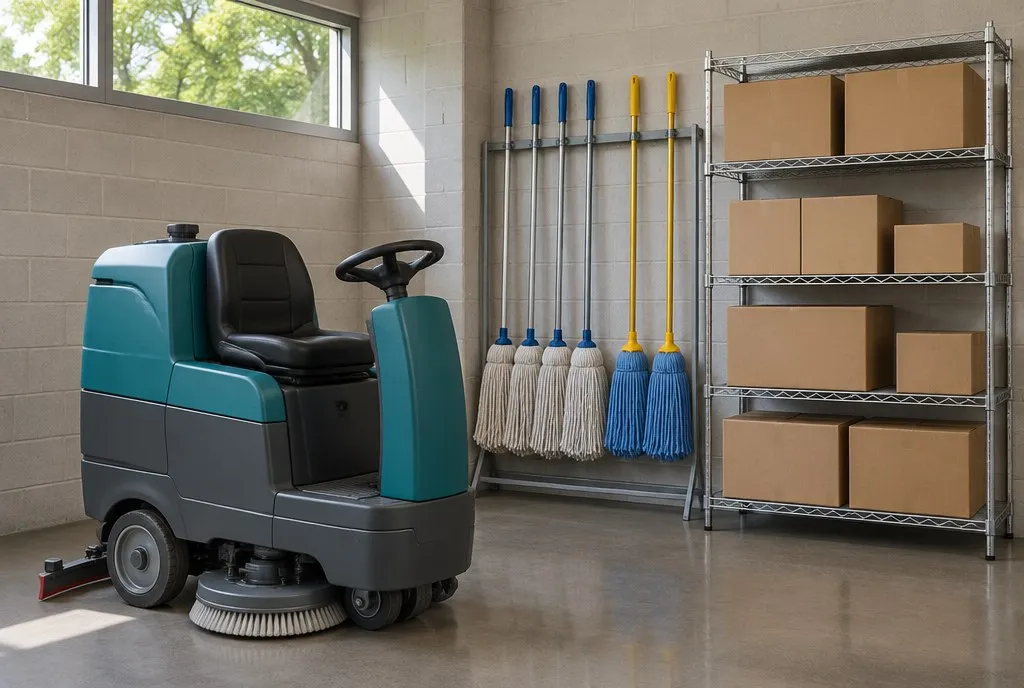
This tracks stock, orders and the machines you own: scrubbers, vacuums, floor machines. It answers "do we have enough liners for Friday and when was that scrubber last serviced?" For many companies, a spreadsheet works until the number of sites passes a handful.
What should you buy first?
Buy the tool that fixes the problem costing you money now. A rough order by company size:
- Owner plus a few crew, under five sites. A spreadsheet for quotes, a shared calendar for shifts, your accounting package for invoices, a paper or phone form for inspections. Spend nothing new until something breaks.
- Five to fifteen sites with supervisors. Scheduling and time tracking first, because errors in shifts cost real money. Then inspections, because clients begin to ask for reports.
- More than fifteen sites, or several supervisors. Add a CRM for bids and renewals, then supplies and equipment tracking. Make sure payroll takes hours from the scheduling tool.
These are rules of thumb, not data. Your own mix of contracts matters more.
How do you avoid paying for five overlapping tools?
Cleaning software often bundles several of the kinds above, and the bundles overlap.
- Write down the jobs, not the products. "Record hours," "send invoices," "score inspections."
- Mark which job each tool you already pay for does. If two tools do the same job, one is a candidate to cancel.
- Before a trial, ask what it does not do. A good vendor answers plainly.
- Check what is shared. If two tools both keep a list of sites and contacts, you will update it twice.
- Ask whether you can export your data. If you cannot leave, you are renting your own records.
- Run one tool per job for a full month before adding another.
- Check the cost against the problem. If a tool saves you an hour a week, it should cost less than that hour.
Where does Inceplio fit?
Inceplio is an example of the inspections and quality-control kind. Supervisors run inspections on a phone using forms your company builds, with ratings, pass or fail, photos and comments. It works offline, scores each inspection and sends a PDF report to the client. A failed item becomes a follow-up with an owner and due date. It also keeps an equipment list and tracks repairs and maintenance.
It is not scheduling software, payroll software or invoicing software, and it does not do time and attendance. You would use it next to those tools, not instead of them. There is a 30-day free trial and a public demo on the home page, and prices are on the pricing page.
Common questions
What is the best cleaning business software?
The one that fixes your biggest current problem and does not duplicate a tool you already pay for. There is no best for every company.
Do commercial cleaning apps work without signal?
Some do and some do not. Basements and parking garages are where it matters, so ask before you buy and test in your worst building.
Can one program do everything?
Some bundles cover most of it, but check each part on its own. A tool that is good at scheduling is often thin on inspections.
Should a small company buy software at all?
Not always. Under a few sites, paper and a spreadsheet can be enough. Buy when a task starts costing you money or a client asks for something you cannot produce.